A good small business landing page does one job: it gets the visitor to call, book or ask for a quote. That means one clear headline that matches what they searched, proof beside the button, a contact option they can reach with a thumb, and nothing else competing for attention. Most small businesses don't need ad-style landing pages at all. Their service pages are the landing pages, and that's where these tips pay off.
Everything below comes from sites we've built at Marketing Handled, including one Leeds heating firm whose redesigned service pages took it from zero website enquiries to 16 in the first month.
1. Give every page one job
A landing page should ask for one action. On a trades site that's "call" or "get a quote". On a coaching site it's "book a call". Navigation can stay, but there should only be one main button, repeated down the page.
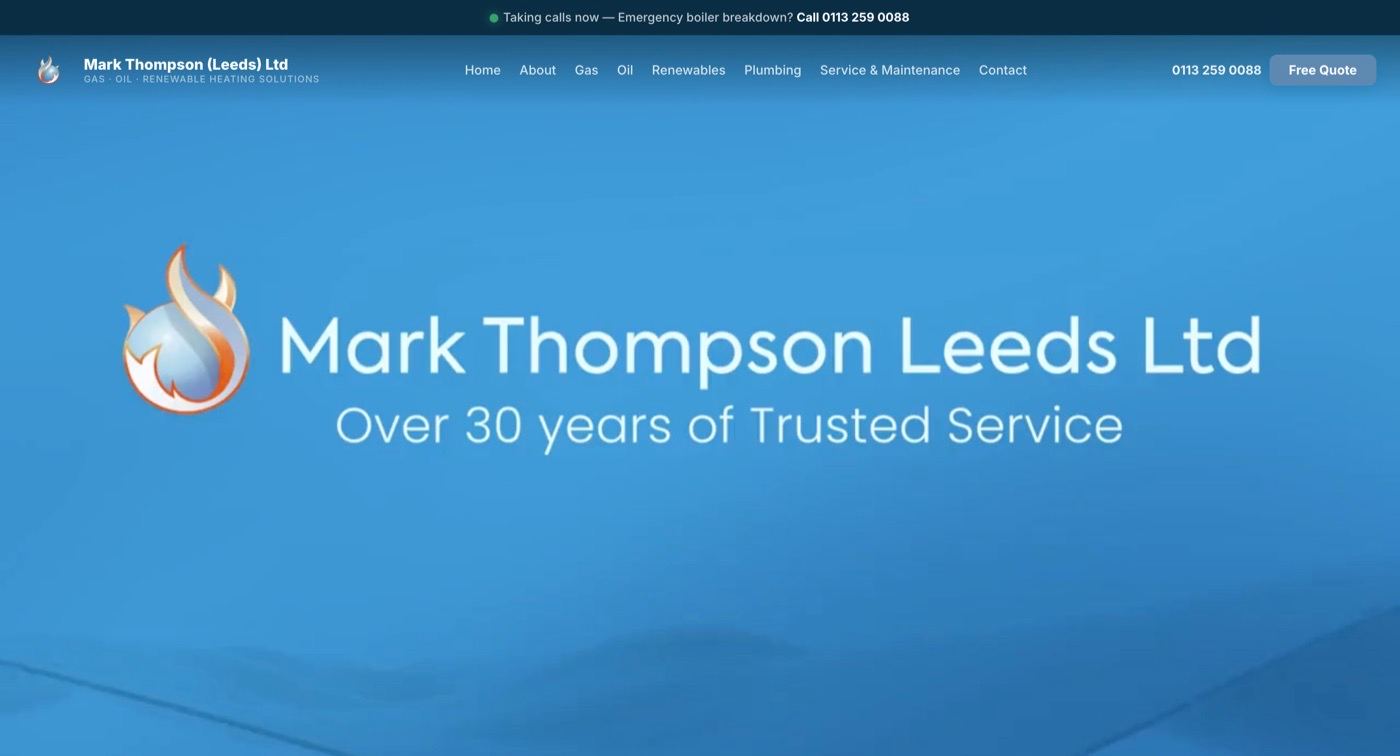
When we rebuilt Mark Thompson (Leeds) Ltd's website, every service page was built around the same two buttons, Call Now and Free Quote, so there was never any doubt about the next step.
2. Make each service its own landing page
Someone searching "oil boiler installation Leeds" should land on a page about oil boilers in Leeds, not a homepage listing ten services. Separate pages also give Google something specific to rank.
Mark Thompson's old site had no service-specific pages. The new one has a page each for gas and oil boilers, renewables, plumbing and servicing. That structure is a big part of why it now gets 19,200 Google impressions and 25+ leads a month. If you're planning this kind of rebuild, our website design service plans the service page structure with you from the start.
3. Match the headline to the search
The headline should repeat what the visitor was looking for, in plain words. "Boiler Installation in Leeds" beats "Your Comfort, Our Passion". If they arrived from a Google Business Profile post or an ad about a specific offer, the headline should mention that offer. This matters most for paid traffic, where every click costs money; see how much Google Ads cost for why the page, not the ad, decides your cost per lead.
4. Put the proof next to the button
Reviews work best right beside the button, not in a separate testimonials page nobody clicks. Pick reviews that mention a result:
"Alex created a new website for us at Mark Thompson (Leeds) Ltd, it has generated lots of additional work for us and couldn't be happier." Sam Thompson
"Great service, would recommend. Alex made a great website which was fully functional and catered to all our needs!" Ben L
Accreditations go here too. Mark Thompson's 5.0 rating on Which? Trusted Traders sits at the top of the page, before the visitor has scrolled.
5. Design for a thumb first
Most local searches happen on a phone. On mobile:
- keep the call and quote buttons stuck to the bottom of the screen, so they're always one tap away (this is what we did for Mark Thompson)
- make buttons big enough to tap easily; Google's guidance is at least 48 by 48 pixels (web.dev on tap targets)
- make the phone number a tap-to-call link
- keep forms short: name, phone or email, and one message box
6. Use your own photos
Real photos of your work, your team or your premises do more than stock images, because they prove you exist and did the job. A before and after from a real project is the strongest image you can put on a service page.
7. Build local landing pages properly, or not at all
Local pages ("web design in Garforth", "SEO in Leatherhead") can win searches your main page never will. They only work if each one has something genuinely local: a nearby project, the area you cover, local reviews. Copying one page 30 times with the town name swapped looks thin to Google.
We run 75 location and service pages on our own site, and each one now has its own proof, process and FAQs instead of a swapped town name. Our Garforth website design page already appears around position 15 for "website design garforth" on Google.
8. Track what happens after the click
You can't improve a landing page you don't measure. At minimum:
- check Search Console monthly for which pages get impressions and clicks
- count enquiries per page (a "how did you find us?" question works)
- test every form and call button once a month
Our monthly website maintenance checklist covers the routine. If a page gets traffic but no enquiries, start with tips 3 and 4: the headline and the proof. If the page itself is past fixing, see 7 signs your website needs a redesign.
Landing page checklist
| Element | Do this |
|---|---|
| Headline | Repeats the service and town they searched |
| Main button | One action, repeated down the page |
| Proof | 2 to 3 specific reviews and any accreditation, beside the button |
| Mobile | Sticky call/quote buttons, tap-to-call number, short form |
| Photos | Your own work, ideally a before and after |
| Local detail | A real nearby project or area served, not a swapped town name |
| Tracking | Search Console checked monthly, forms tested monthly |
Want your service pages to bring in enquiries, not just visits? Book a free 30-minute call and we'll look at your current pages with you. You'll speak directly to Alex or Ella, and we reply within 1 business day.
FAQs
What is the difference between a landing page and a homepage?
A homepage introduces the whole business and points people to different sections. A landing page focuses on one service or offer and asks for one action, such as a call or a quote request.
Does a small business need separate landing pages?
Yes, if you offer more than one service or cover more than one area. Each main service and each key area deserves its own page, so it can rank for that search and speak directly to that customer.
How long should a landing page be?
Long enough to answer the visitor's main questions and show proof, and no longer. For most small business service pages that means a clear headline, a short explanation, reviews, a few photos, FAQs and the button.
Should a landing page have navigation?
For a page that's also a service page, yes, keep simple navigation so visitors can explore. For a page built only for a paid ad, removing the menu can stop people drifting away from the one action you want.